

Geedup Clothing Australia – Buy A...
- Edmonton
- 2026-06-09 23:25
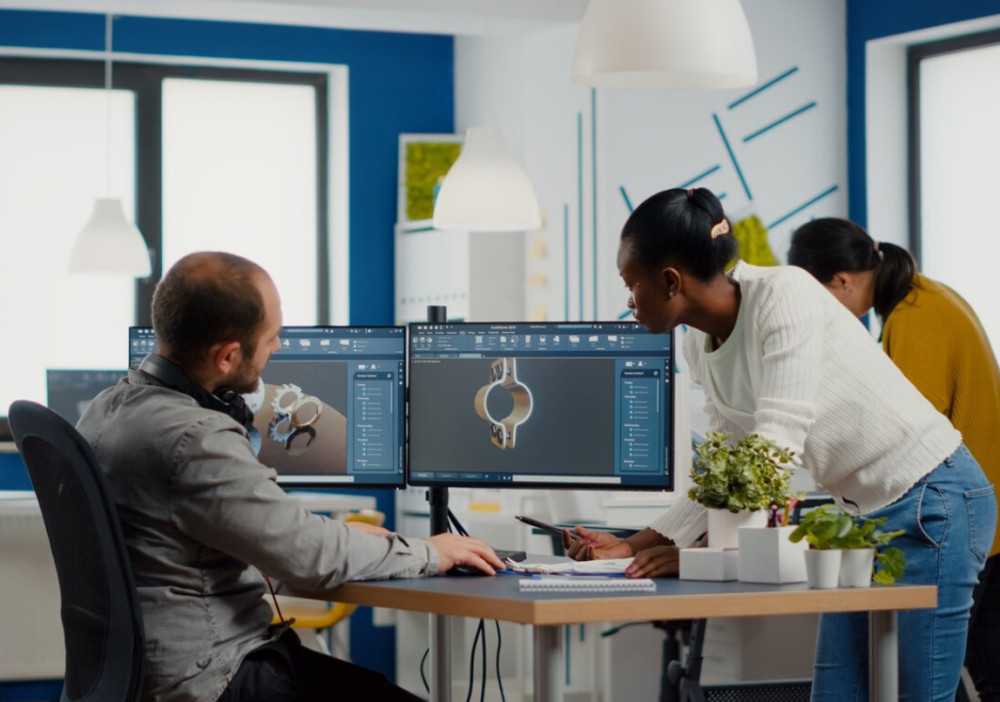
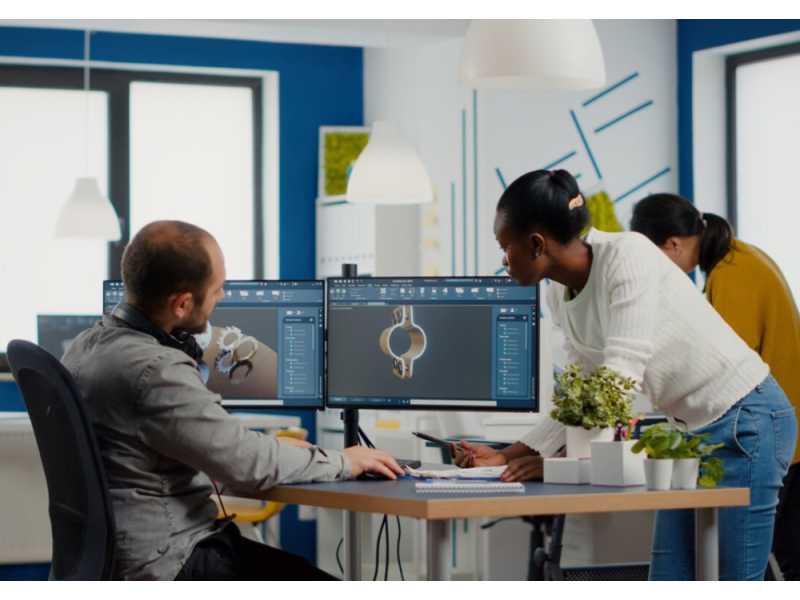
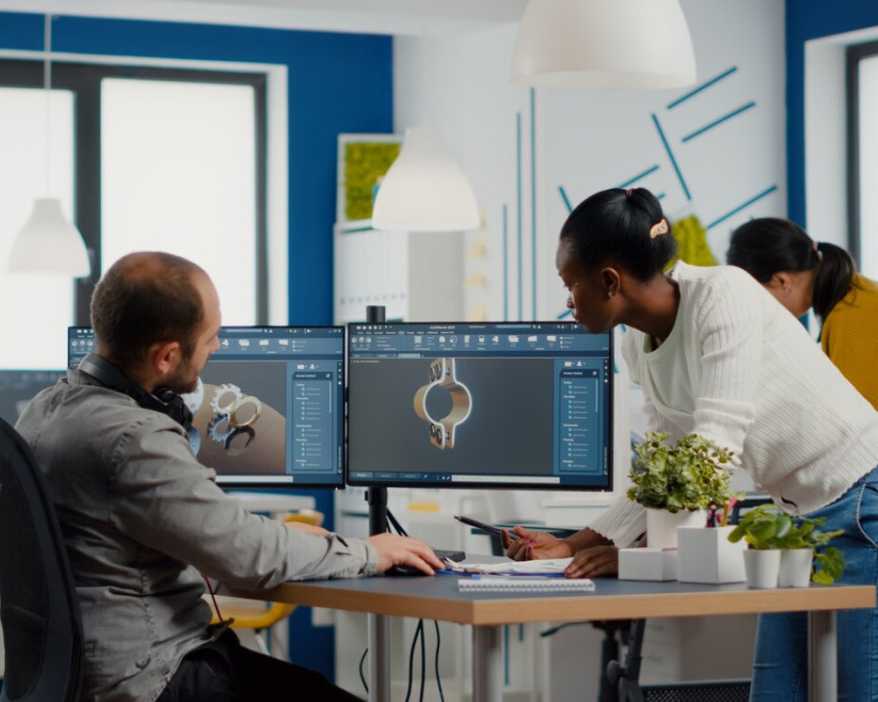
A high-performance computer is crucial for CAD software like AutoCAD, Revit, and Solidworks. Here’s how you can build an optimized workstation. The world of CAD is booming, projected to reach a massive $13.83 billion by 2028. With 3D design, a segment that was worth $5.5 billion in 2018, leading the charge, it’s no wonder that CAD professionals rely on powerful workstations to keep up. But why exactly is optimization so important?
An optimized workstation unlocks a whole new level of performance, allowing you to tackle complex projects with ease. It is the most effective way to avoid frustrating lags and stutters. With the right setup, you can experience smooth workflows, faster processing, and efficient rendering, even when working with heavy-duty files like large datasets, point clouds, and intricate 3D models.
Having an optimized workstation for CAD is not a luxury anymore, it’s a necessity. While meeting the minimum requirements mentioned above will allow you to run the software, a workstation that exceeds the minimum specs is highly recommended for a smooth and efficient workflow, especially when working with complex models and large files.
Here are some key factors to keep in mind when configuring and optimizing the ideal workstation for CAD:
· Choose a modern latest-generation CPU from Intel or AMD that has a 5GHz+ boost and professional-use GPUs like NVIDIA RTX ADA (formally known as Quadro).
· Opt for at least 32 gigs of DDR4 RAM for smooth operations, and 64 for larger projects.
· For storage, create a combination of NVMe SSD and high-capacity HDD setups for the best performance. Consider a dedicated SSD for your active projects and data.
· Maintain multiple backup hard drives and backup servers in order to keep critical data safe and secure.
· Choose a motherboard with multiple M.2 slots and USB for maximum compatibility and scalability.
· Opt for multiple 1440p or 4k displays with True Color (recommended for AutoCAD) for easy multitasking.
An optimized home office workstation for CAD is vital for professionals, whether it s for WFH or freelancing Learn how to build an optimized workstation. Micro-Vision Computers offer a range of preconfigured and custom built pcs that are perfect for every need. Whether you are a gamer looking for the ultimate gaming rig, a professional looking to build a high-performance workstation, or a business looking to upgrade your business’s computing capabilities, we’ve got options galore! Explore our offerings here.










 Australia
  Canada
  India
India  Singapore
  South Africa
  United Arab Emirates
  United Kingdom
  United States